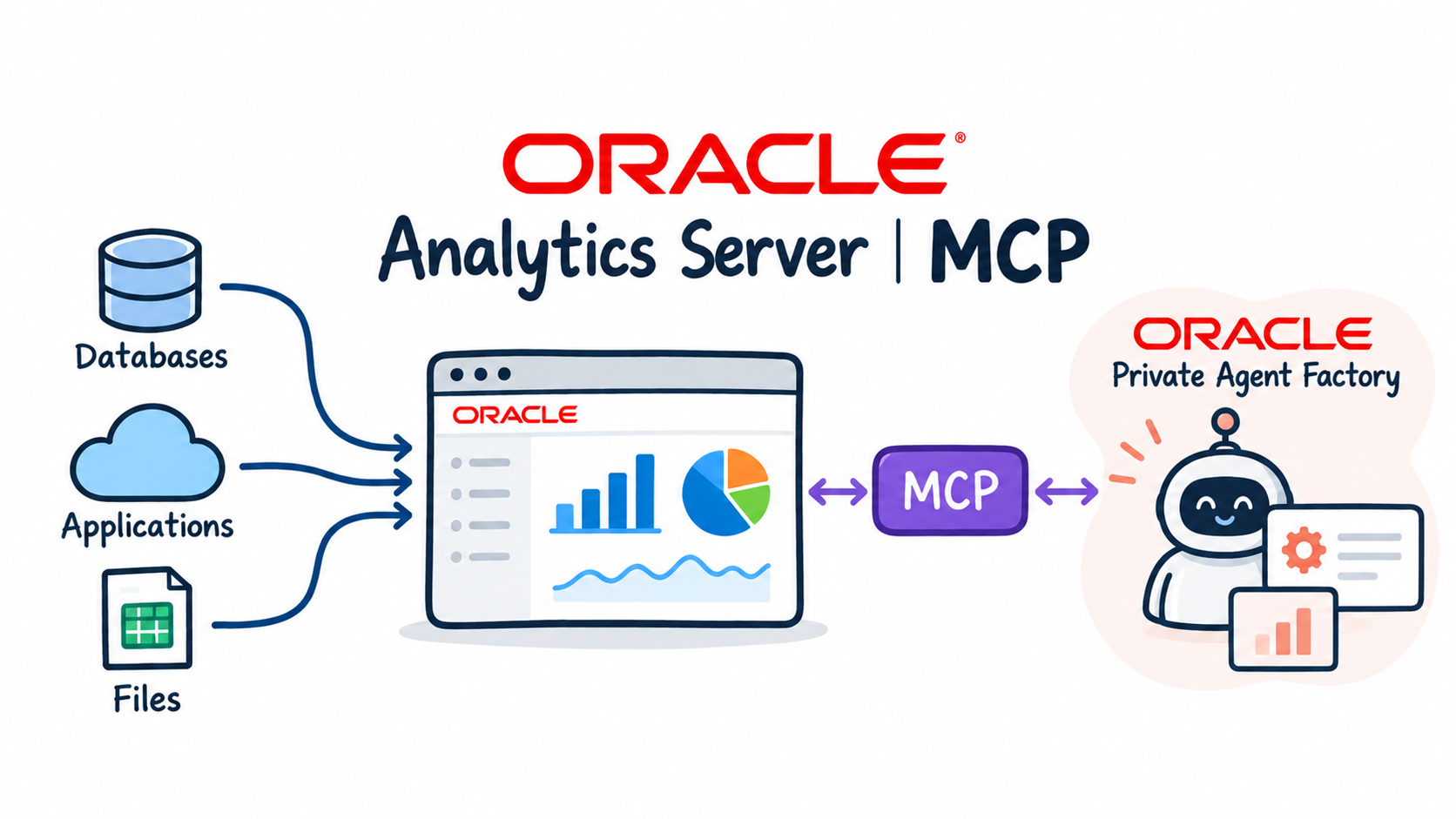
I recently deployed Oracle AI Database Private Agent Factory (OPAF) v26.4.0 on OCI as part of my internal demo and prototyping environment. The goal was straightforward: stand up a Knowledge Agent that could ingest documents and answer questions using OCI GenAI. What I got instead was a frustrating series of database deadlocks that took most of a day to fully resolve. Here is the full story — including every dead end — so you do not have to repeat it. The Setup OPAF runs as a Podman container on an OCI compute VM in the Frankfurt region. My initial database choice was an Autonomous Database 26ai Free tier instance, which seemed reasonable for a demo environment. OPAF version: 26.4.0.0.0 Container: oracle-applied-ai-label / Podman VM: agentfactoryvm3, OCI Frankfurt Database initial: AutonomousDB23ai — ADB 26ai, Free tier LLM: OCI GenAI, meta.llama-3.3-70b-instruct, eu-fran...
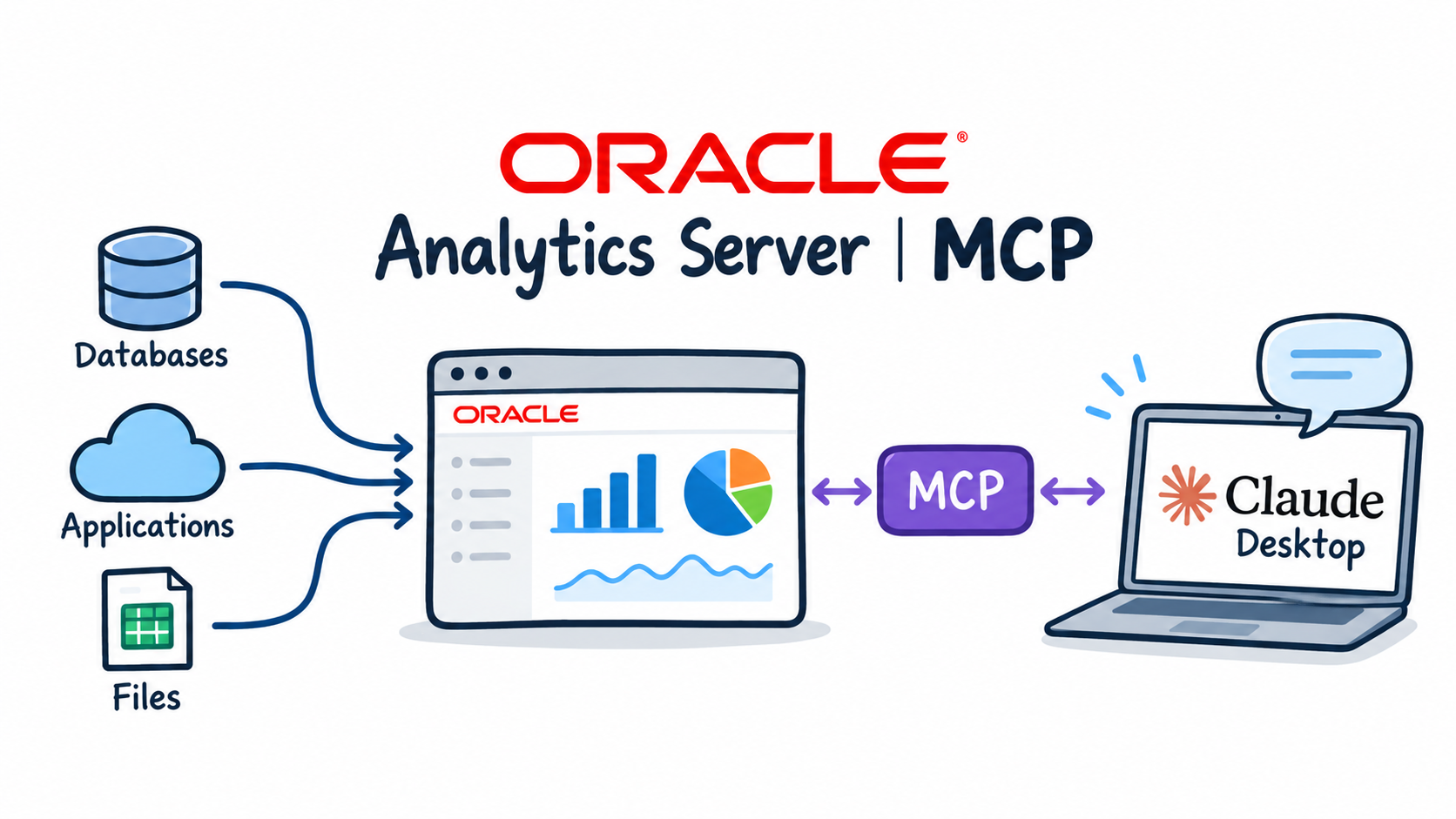
In my previous blog posts, we explored this fascinating new technology— how to set it up , the broader analytics paradigm it introduces, and a deep dive into some specific Oracle Analytics functions. But what about the basics? What about standard business reporting—the business-as-usual activities we deal with every day? For example, the classic financial reports that managers rely on daily to run the business. These are the standard reports that are typically pre-prepared and embedded within dashboards. Well, let's take a look! I have tested two examples of those standard financial reports : Revenue analysis report that compares current year actuals vs. previous year, vs. planned data and calculates year-to-date values. Performance report that is providing information about revenue, profit and profit margin for the selected period, ie. half-year. The process is already known by now. Startup Claude client and start asking questions. When working with OAC MCP Server, ...