Oracle Analytics Server MCP & Use cases

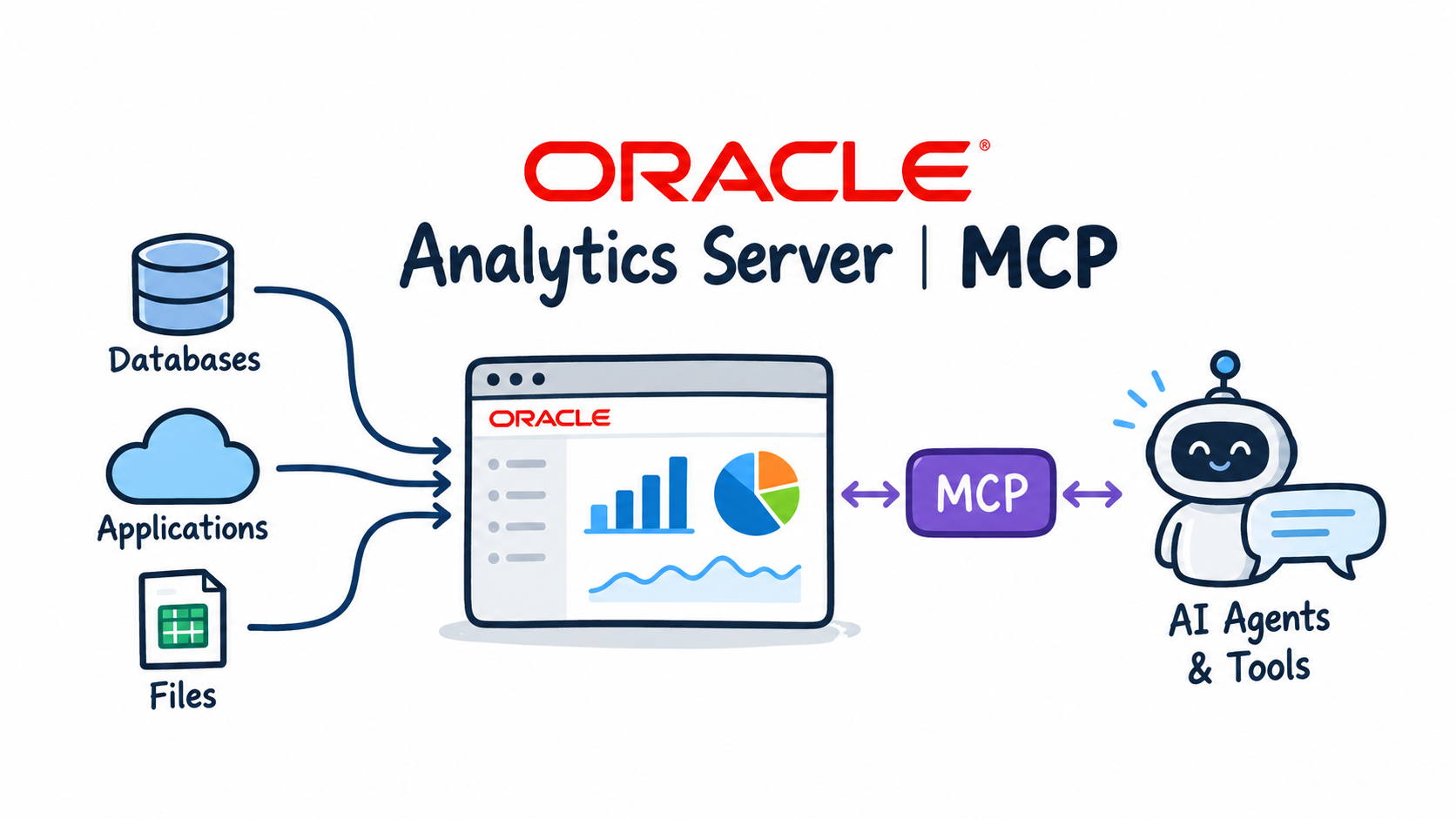
Oracle Analytics Cloud has an MCP server built in. Oracle Analytics Server does not. Many customers run OAS on premises or on their own compute, and their semantic models hold years of curated business logic that AI agents should be able to use instead of rebuilding it from raw tables.
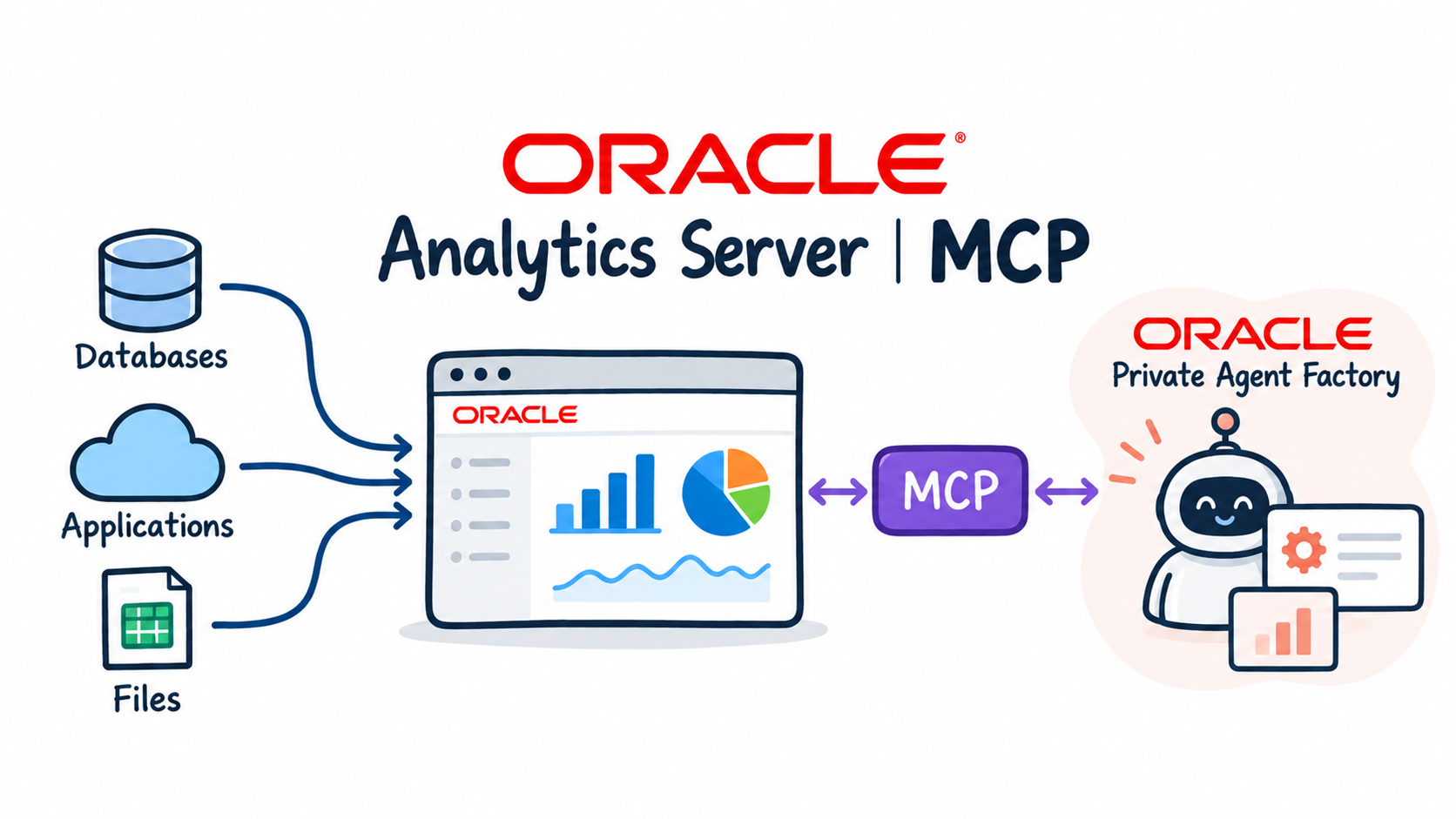
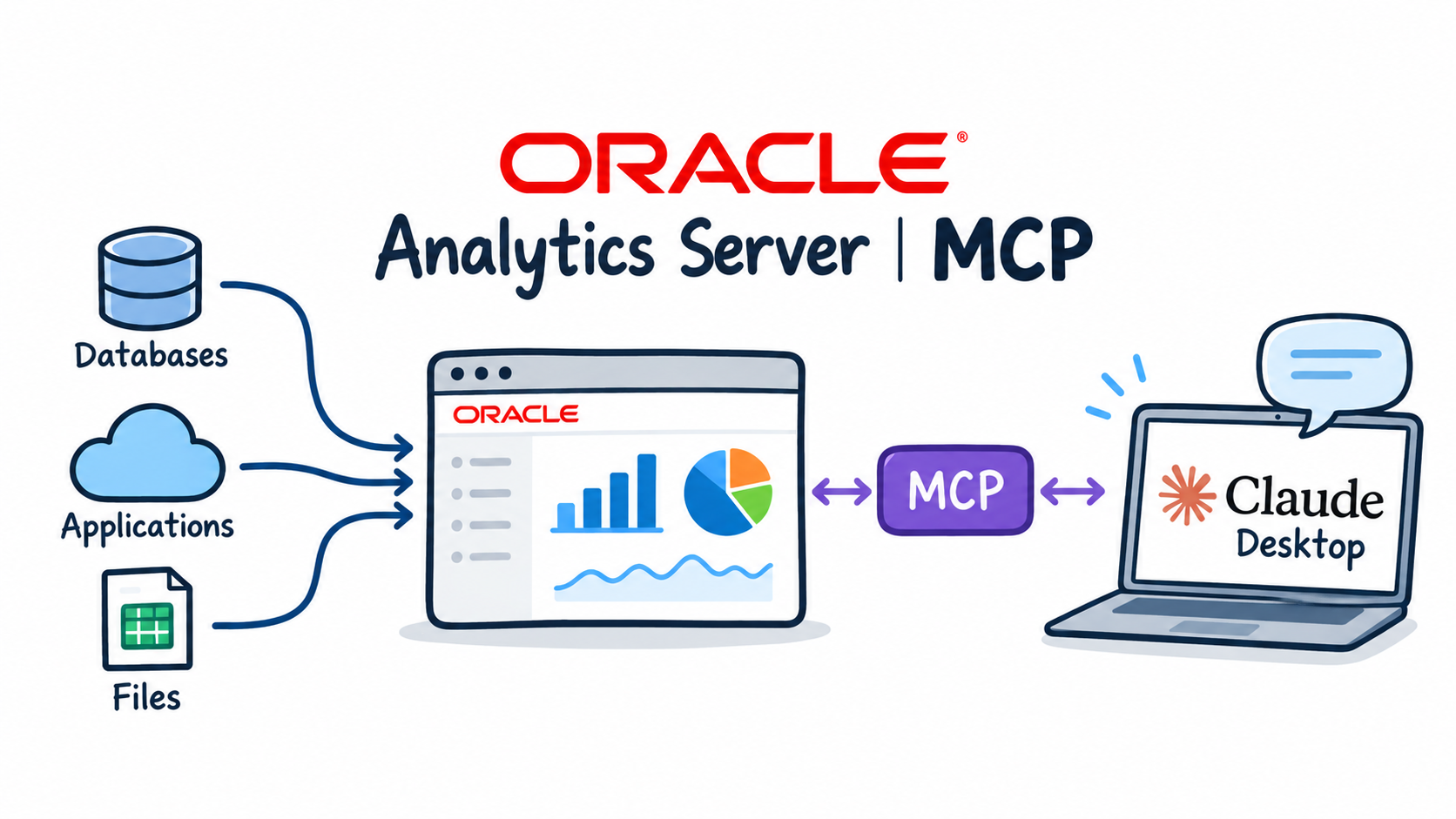
In three short posts I build a small MCP server for OAS in Python, run it as a service next to OAS on an OCI compute instance and connect AI agents to it, starting with Oracle Private Agent Factory (OPAF). The server exposes four read-only tools on top of the OAS SOAP web services, which have been part of the product since OBIEE.
Why go through the semantic model
Working through the semantic layer has a practical benefit. The agent writes Logical SQL against subject areas, so joins, aggregation rules, calculated measures and data security defined in the OAS semantic model all apply. The agent never sees physical tables.
Architecture
The environment runs in my OCI tenancy in Frankfurt, in one VCN (vcn-analytics-shared) with two subnets:
oas001is an Oracle Linux 8.10 compute instance with OAS, insubnet-oas-public(10.0.1.0/24). The MCP server runs on the same host, so it talks to OAS onlocalhost.- OPAF runs on
agentfactoryvminsubnet-opaf-private(10.0.3.0/24).
| Layer | Choice |
|---|---|
| MCP transport | Streamable HTTP (stateless, JSON responses), endpoint /mcp, health check /health |
| Authentication | Bearer token (MCP_API_KEY) |
| Network | Port 8000 open only to the OPAF subnet, through a dedicated NSG |
| OAS access | SOAP web services under /analytics-ws/saw.dll |
| Query scope | Read-only: only Logical SQL SELECT is allowed |
The four MCP tools
| Tool | Purpose | OAS web service |
|---|---|---|
get_server_info |
Connectivity check, OAS user in use | nQSessionService.getCurUser |
list_subject_areas |
List subject areas | metadataService.getSubjectAreas |
describe_subject_area |
Tables (folders) and columns; columns with an aggregation rule are measures | metadataService.describeSubjectArea |
execute_logical_sql |
Run a read-only Logical SQL SELECT, return columns and rows |
xmlViewService.executeSQLQuery / fetchNext |
The order follows how an agent should work: find the subject area, learn its exact table and column names, then query. The aggregation rule returned by describe_subject_area tells the agent which columns are measures, which is all it needs to know, because Logical SQL has no joins and no GROUP BY. OAS aggregates measures by the attributes selected.
Posts
Useful links and documentation
- Model Context Protocol
- MCP Python SDK
- Oracle AI Database Private Agent Factory documentation
- Select AI Agent meets OPAF, where I used the Autonomous Database built-in MCP server with OPAF