Fixing ORA-12860 Deadlocks in Oracle AI Database Private Agent Factory on ADB

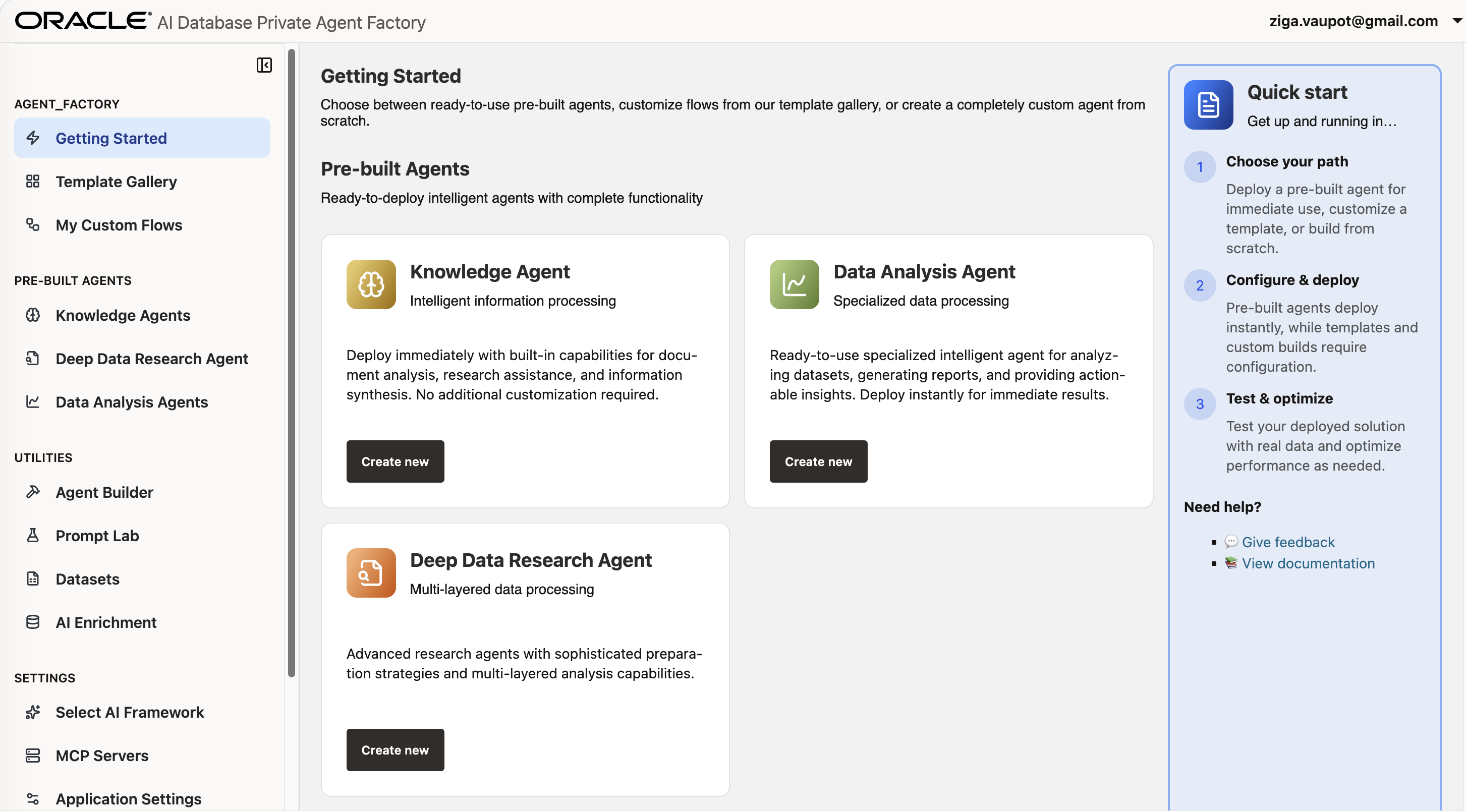
This post documents troubleshooting ORA-12860 deadlocks encountered while running Oracle AI Database Private Agent Factory (OPAF) ingestion workloads on Autonomous Database. It follows the investigation from recurring ingestion failures through database parallelism behavior and the eventual mitigation using NOPARALLEL settings and a logon trigger. The post also covers practical lessons from testing different ADB configurations and stabilizing the OPAF ingestion environment.
I recently deployed Oracle AI Database Private Agent Factory (OPAF) v26.4.0 on OCI as part of my internal demo and prototyping environment. The goal was straightforward: stand up a Knowledge Agent that could ingest documents and answer questions using OCI GenAI.
What I got instead was a frustrating series of database deadlocks that took most of a day to fully resolve. Here is the full story — including every dead end — so you do not have to repeat it.
The Setup
OPAF runs as a Podman container on an OCI compute VM in the Frankfurt region. My initial database choice was an Autonomous Database 26ai Free tier instance, which seemed reasonable for a demo environment.
The Problem
Every ingestion attempt — whether from a web source, a filesystem PDF, or a URL crawl — failed during the STORING_CONTENT stage with this error:
AAIKA-00003: Data source 'X' ingestion encountered the following database error
during ingestion stage 'STORING_CONTENT'.
ORA-12801: error signaled in parallel query server P03K, instance 2
ORA-12860: deadlock detected while waiting for a sibling row lock
ORA-12860 is a parallel query deadlock: two parallel query server processes competing for the same row lock. The instance 2 or instance 4 part of the error was the first real clue.
Root Cause: ADB Auto-Parallelism
Autonomous Database automatically applies parallelism to queries and DML based on parallel_degree_policy = AUTO. On ADB, this policy operates across a multi-instance, RAC-like architecture — even on Free and Developer tier instances.
During OPAF's STORING_CONTENT stage, document chunks are written into the knowledge store tables. ADB spins up parallel query servers across instances, and when those servers try to lock the same rows simultaneously, a deadlock can occur.
ALTER SYSTEM to globally disable auto-parallelism.
What I Tried
Attempt 1: Migrate to Developer Tier
My first hypothesis was that the Free tier was too constrained. I migrated OPAF to ADW-23ai-Dev, a Developer tier ADB 26ai instance.
This involved:
- Downloaded the new wallet and placed it in the container mount path.
- Updated
source_env.shwith the newTNS_ALIAS,DB_WALLET, andTNS_ADMIN. - Fixed
sqlnet.ora, replacingDIRECTORY="?/network/admin"with the actual wallet path. - Created the required DB users:
DB26AIPAFandAAI_RO_DB26AIPAF. - Ran the OPAF DB migration manually inside the container.
Result: migration succeeded, but the ORA-12860 deadlock returned immediately.
Manual DB Migration
The OPAF container includes a migrate_db.sh script, but it reads environment variables, not the applied_ai.properties file. The underlying db_migrate.py script also uses a toggle system that skips DDL unless INSTALL_MODE and SETUP_MODE are set.
podman exec \
  -e DB_USER=DB26AIPAF \
  -e DB_PASSWORD=<password> \
  -e TNS_ALIAS=adw23aid_medium \
  -e TNS_ADMIN=/mount/data/app/latest/datasources/wallets/adw23aid \
  -e DB_WALLET=/mount/data/app/latest/datasources/wallets/adw23aid \
  -e DB_PROTOCOL=tcps \
  -e DB_CONNECTION_TYPE=Wallet \
  -e STRICT_WALLET_MODE=Y \
  -e AGENT_FACTORY_BASE=/home/aaiuser/install/agent_factory \
  -e DB_PATCH_BASE=/home/aaiuser/install/db_patches \
  -e DB_PORT= -e DB_HOST= -e DB_SERVICE= \
  -e INSTALL_MODE=applied_ai \
  -e SETUP_MODE=prod \
  oracle-applied-ai-label \
  /home/aaiuser/install/agent_factory/third_party/python3/bin/python \
/home/aaiuser/install/agent_factory/common/db_util/db_migrate.py? in sqlnet.ora with the actual absolute wallet path.
DB_PORT, DB_HOST, and DB_SERVICE when using wallet connections.
INSTALL_MODE=applied_ai and SETUP_MODE=prod, DDL steps are skipped silently.
GRANT SELECT ON V$PARAMETER, not V_$PARAMETER.
Attempt 2: Table-Level NOPARALLEL
BEGIN
  FOR t IN (
    SELECT table_name
    FROM all_tables
    WHERE owner = 'DB26AIPAF'
  )
  LOOP
    EXECUTE IMMEDIATE
      'ALTER TABLE DB26AIPAF.' || t.table_name || ' NOPARALLEL';
  END LOOP;
END;
/
This had no effect. ADB still applied its automatic parallelism behaviour.
Attempt 3: Logon Trigger
CREATE OR REPLACE TRIGGER DB26AIPAF.disable_parallel
AFTER LOGON ON DB26AIPAF.SCHEMA
BEGIN
  EXECUTE IMMEDIATE 'ALTER SESSION DISABLE PARALLEL QUERY';
  EXECUTE IMMEDIATE 'ALTER SESSION DISABLE PARALLEL DML';
  EXECUTE IMMEDIATE 'ALTER SESSION DISABLE PARALLEL DDL';
  EXECUTE IMMEDIATE 'ALTER SESSION SET parallel_degree_policy = MANUAL';
  EXECUTE IMMEDIATE 'ALTER SESSION SET parallel_max_servers = 0';
END;
/
The trigger fires on login, but OPAF uses connection pooling. Pooled connections reuse existing sessions, so the logon trigger did not reliably affect ingestion sessions. The deadlocks continued.
What Actually Fixed It: Paid ADB + Restart
Upgrading ADW-23ai-Dev to a full paid ADB service via OCI Console finally resolved the deadlock.
On a paid ADB instance, the dedicated compute setup changed the parallelism behaviour enough that the NOPARALLEL table settings and the logon trigger together suppressed the issue.
One additional step turned out to be equally important. After repeated ingestion failures, the OPAF ingestion engine can get stuck in an error state. Restarting the container clears that state:
podman restart oracle-applied-ai-labelThe container restart became the fastest and most reliable recovery procedure whenever repeated ingestion failures left the ingestion engine in an inconsistent state.
The Setup Wizard Gotcha
The OPAF setup wizard at /agentFactory/installation blocks reinstallation if it detects existing schema objects. If you already ran a manual migration, you may see:
The Next button will be greyed out. The fix is to drop and recreate the users before running the wizard:
DROP USER DB26AIPAF CASCADE;
DROP USER AAI_RO_DB26AIPAF CASCADE;

-- Then recreate both users with the required grants.
Complete Grant List
CREATE USER DB26AIPAF IDENTIFIED BY "<password>";
GRANT DWRole TO DB26AIPAF;
GRANT UNLIMITED TABLESPACE TO DB26AIPAF;
GRANT READ, WRITE ON DIRECTORY DATA_PUMP_DIR TO DB26AIPAF;
GRANT SELECT ON V$PARAMETER TO DB26AIPAF;

CREATE USER AAI_RO_DB26AIPAF IDENTIFIED BY "<password>";
GRANT CREATE SESSION TO AAI_RO_DB26AIPAF;
GRANT SELECT ANY TABLE TO AAI_RO_DB26AIPAF;
Key Takeaways
ORA-12860 deadlocks during STORING_CONTENT.
podman restart oracle-applied-ai-label if ingestion gets stuck.
Useful Commands
# Check container status
podman ps

# Restart OPAF
podman restart oracle-applied-ai-label

# Follow logs
podman logs -f oracle-applied-ai-label

# Check application log
podman exec oracle-applied-ai-label tail -50 /mount/log/app/latest/log/agent_factory.log

# Check migration log
podman exec oracle-applied-ai-label tail -50 /mount/log/app/latest/log/db_migrate.log
More Information
For the official installation, administration, and user documentation, refer to the Oracle AI Database Private Agent Factory 26.4 Documentation .